Service
Business email on your own domain
An address like you@yourbusiness.com does quiet work every time you send a quote or an invoice: it says the business is real, and it stays yours no matter who builds the website. I set up domain email properly, including the DNS records that keep your messages out of spam folders.
What the setup covers
The full job: your domain verified with the email provider, mailboxes and aliases created, and the account handed to you in your name. Most clients end up on Google Workspace, but the same work applies to Microsoft 365 or a simpler provider if the budget calls for it.
Aliases and forwards are part of it too: info@, sales@, billing@ pointed wherever they should land, and personal addresses kept out of the places a business address belongs. You get a short note at the end listing every address that exists and where it goes.
Why domain email matters for trust
Customers notice the address on a quote. A gmail.com address works, but it reads as temporary, and spam filters treat it more skeptically when it carries invoices and contracts. An address on your own domain matches the website, the business cards, and the Google listing, so every piece points at the same business.
There is a practical side too. When email lives on your domain, it is not tied to any one developer or host. If you ever change who works on your site, your email does not go with them.
The DNS records handled
The part that decides whether your mail lands in an inbox or a spam folder is a set of records on your domain. MX tells the world where your mail should be delivered. SPF lists which servers are allowed to send as you. DKIM signs outgoing mail so receivers can verify it. DMARC sets the policy for what happens to mail that fails those checks.
I set all four correctly and verify them with testing tools before calling the job done. This is also what keeps your contact form, invoicing software, and newsletter service able to send as your domain without tripping filters.
Moving email when you switch developers
A common version of this job: your last developer hosted email on their server or inside their hosting account, and now you need it out. The move goes in the same careful order as a website handoff: reclaim the domain, set up the new mailboxes in your own account, migrate the old messages, then flip the MX records at a quiet time so nothing bounces.
If the old mailbox is reachable, mail comes across. If it is not, I will tell you honestly what can and cannot be recovered before we start. How I work spells out the ownership rule behind all of this: every account ends up in your name, or the job is not finished.
What it costs
A standard business email setup typically runs $250 to $350, quoted fixed before work starts. Moves with legacy mailboxes or several domains can cost a bit more; I will tell you the number after a quick look at what you have. The estimate form is the easiest place to start.
Proof
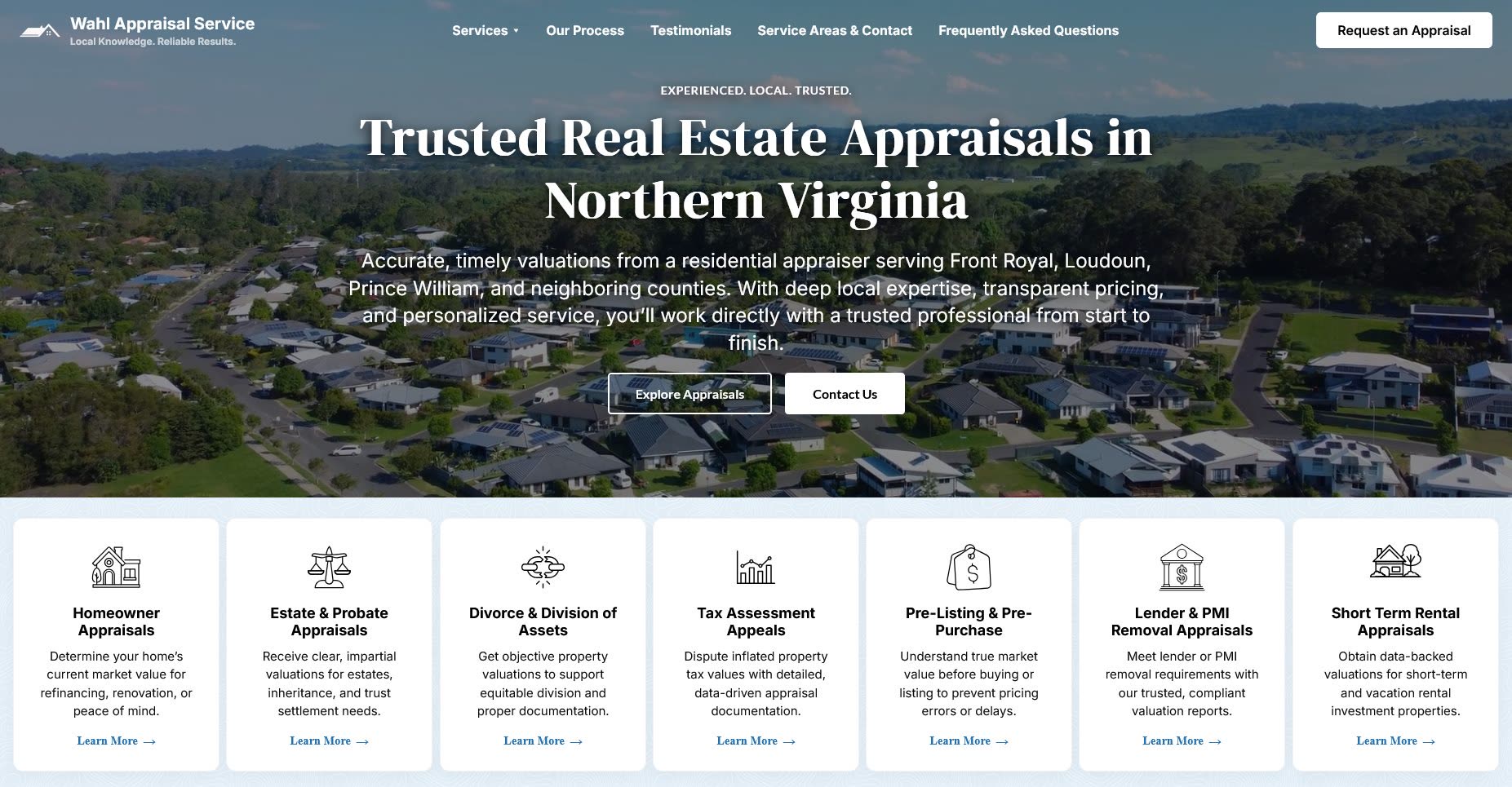
Wahl Appraisal's whole setup sits in accounts the client owns: domain, email, site, and hosting. Same approach on every job.
Questions
Google Workspace or free Gmail: which do I need?
For a real business, Workspace. A free gmail.com address works for testing an idea, but it does not give you addresses on your own domain, shared aliases like info@, or admin control when someone leaves. Workspace is a per-user monthly cost paid to Google directly; the setup work I do is separate and one-time.
How long does it take?
A fresh setup is usually done within a day or two, with most of that spent waiting on DNS to update. Moves with old mailboxes take longer, because the mail has to copy across before anything switches. I will give you a real timeline after seeing what is involved.
Do you host the email yourself?
No, and I would not want to. Your email lives with the provider, Google, Microsoft, or whoever fits, in an account registered to you and billed to you. I set it up and hand over the keys. There is no middleman to disappear.
Can you move my old emails and folders?
Usually, yes. If the old mailbox is still reachable, mail and folders migrate to the new account before the switch. If the old developer's server is already gone or locked, I will tell you honestly what can be recovered before we start.
Talk to me
Ready when you are. Start a project.