Service
Hacked WordPress site cleanup
Your site is redirecting visitors to spam, Google is warning people away, or your host has suspended the account. I find how it got in, remove the malware from the files and the database, close the hole, and tell you in plain English what happened. Cleanups are quoted as a fixed price before I touch anything.
How to tell it is actually hacked
The obvious signs are Google adding a "this site may be hacked" note under your listing, a red deceptive-site warning page in the browser, or visitors being sent somewhere else entirely. Redirects are sometimes selective: only for people arriving from a search engine, or only on phones, so the site can look fine to you while it is sending customers away.
The quieter signs are spam pages showing up in your search results for words you never wrote, admin users in wp-admin you did not create, your host suspending the account for sending spam or serving malware, or finding yourself locked out of your own dashboard. Any one of these means somebody else has a way into the site.
What cleanup actually means
Deleting the malware is the easy half. The important half is finding the entry point, because a cleaned site with the hole still open gets reinfected, usually within weeks. So the job is: find how they got in, clean the files and the database, then close the hole.
In practice that means replacing WordPress core with a known-clean copy, scrubbing infected theme and plugin files, checking the database for injected content and spam posts, removing admin accounts that are not yours, resetting every credential (wp-admin, hosting, FTP, database), fixing file permissions, and updating whatever was exploited. If a clean backup exists it helps. If none exists, cleaning by hand still works, it just takes longer.
What I need from you
Hosting access is the main thing: your hosting control panel login, or the host adding me as a user on the account. WordPress admin access helps if it still works, but I can reach everything through the hosting account if it does not.
The other thing I need is for you to not wipe anything first. It is tempting to delete suspicious files or restore a random old backup, but that can erase the evidence of how they got in, and occasionally makes the damage worse. If your host already quarantined files, leave them quarantined.
Getting the warnings removed
Once the site is clean, the flags do not clear themselves. I request a review through Google Search Console so the "this site may be hacked" note gets rechecked, and if the site was showing the red Safe Browsing warning, that goes through its own review. For a host suspension, I send the host confirmation the malware is gone and ask for the account to be reinstated.
Google rechecks on its own schedule. In my experience warnings clear within a few days of a successful review, but I do not control their timing and will not promise you a date.
What I am not
I clean and harden WordPress sites. I am not a forensics firm. If this is a legal or compliance incident, customer data was exposed, or you have breach-notification obligations, you need an incident-response specialist and probably legal advice. If what I find looks bigger than a cleanup, I will tell you that instead of billing you for the wrong job.
So it does not happen again
Most WordPress hacks come in through software that was not updated: a plugin with a known hole, an abandoned theme, an old core. After a cleanup the options are doing updates yourself on a schedule, or a care plan where updates and backups are my job. Most sites land between $25 and $150 a month, which is less than a second cleanup.
If the damage turns out smaller than it looked, the general WordPress fixes page covers ordinary repairs, and the WordPress security guide is the DIY version of the hardening I do after a cleanup.
Proof
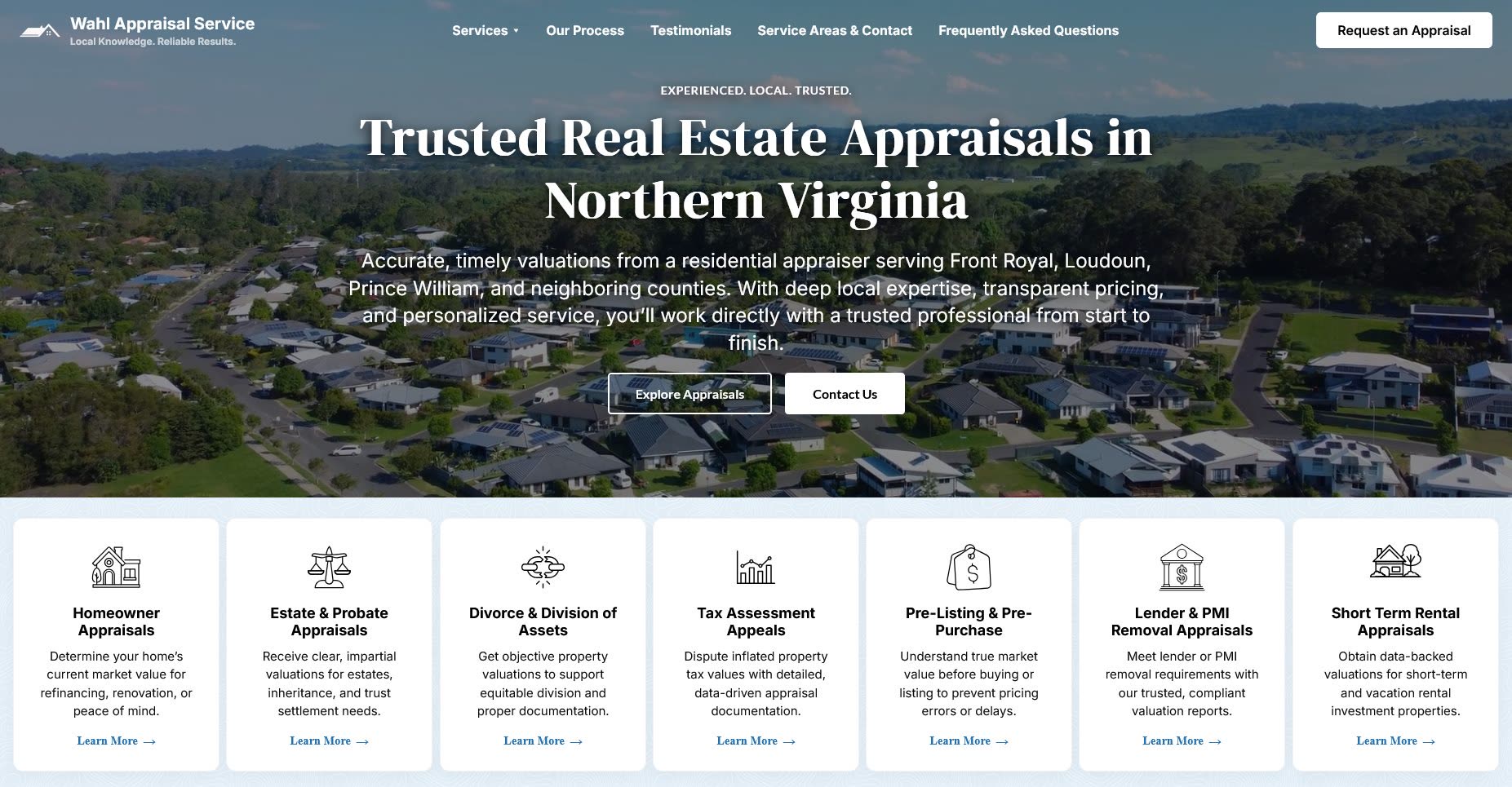
I do not publish cleanup case studies, because a site in distress is not portfolio material. Wahl Appraisal is a WordPress site I built and still maintain: the updates, backups, and hardening a cleanup ends with, done ongoing so cleanup is never needed.
Questions
Can you get in if I am locked out of wp-admin?
Almost always. Hosting-level access is enough: I can work through the file manager, FTP, and the database directly, and reset admin access from there. If you do not have hosting logins either, I can help you recover them from the host.
How long does cleanup take?
Most cleanups take a few days once I have access. Badly reinfected sites, or sites with no clean backup to compare against, take longer. You get a timeline along with the quote.
Will Google remove the warning?
Once the site is actually clean and a review is requested in Search Console, the warning normally clears. Google re-scans on its own schedule, usually within a few days, and I cannot control the timing. Requesting the review is part of the job.
Will it get hacked again?
If the entry point is genuinely closed, reinfection is unlikely, which is why finding the hole matters more than deleting the malware. Nothing on the internet is guaranteed, though, which is why updates and backups afterward are not optional.
Do you need hosting access?
Yes, either the hosting control panel or FTP plus database access. If a previous developer held all the logins and went quiet, that is a takeover situation and I handle those too.
Talk to me
Ready when you are. Start a project.